Seedream 5.0 User Guide: Multi-Image Fusion & Basic Usage
Seedream 5.0 natively supports text, single-image, and multi-image inputs, enabling diverse creative workflows such as multi-image fusion based on subject consistency, image editing, and image set generation. This makes image creation more free and controllable.
Model Performance
Text-to-Image with Web Search
The Seedream 5.0 model can integrate real-time internet information through its web search feature to improve the timeliness of generated images.
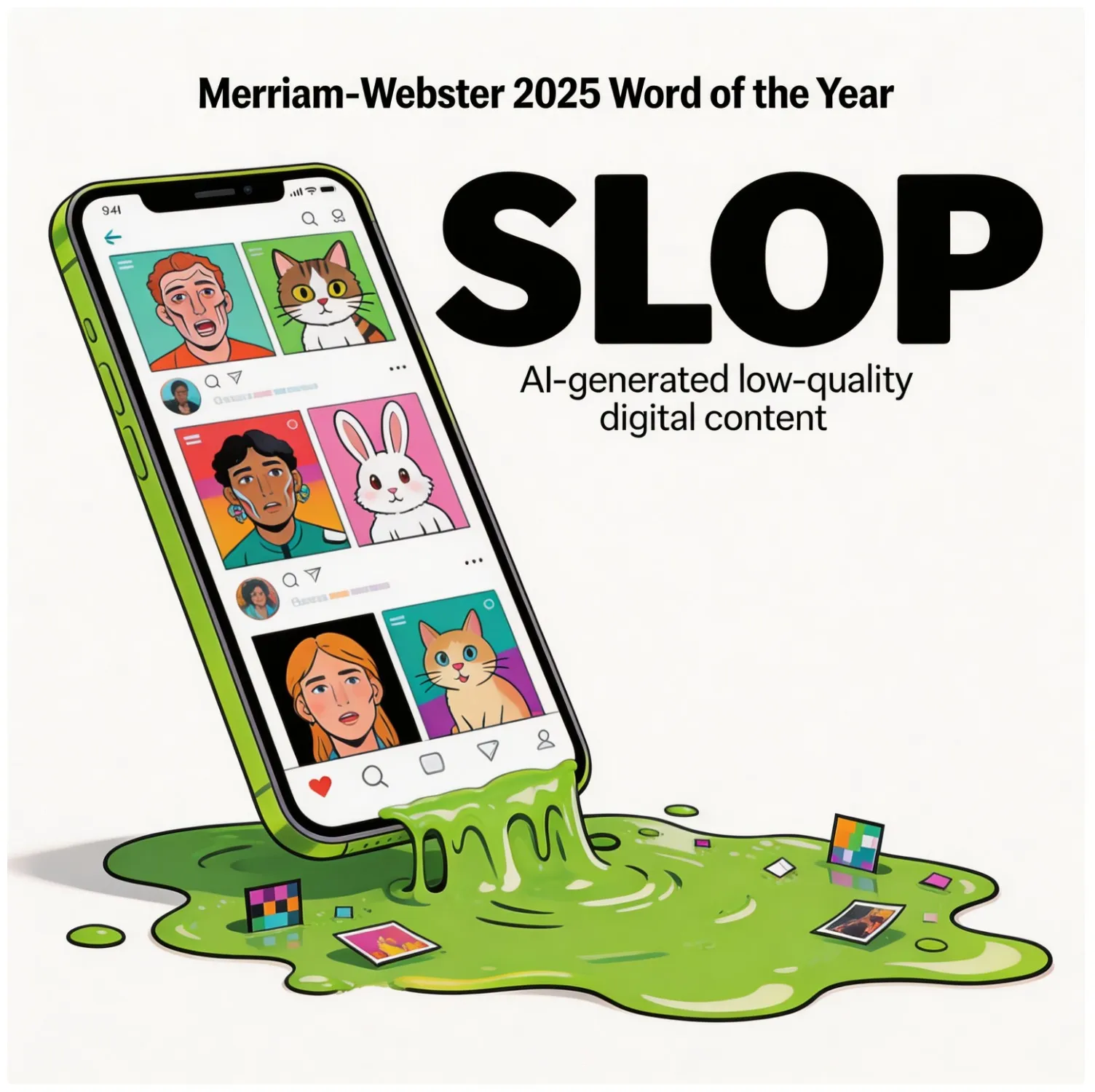
Based on the Word of the Year for 2025 selected by Merriam-Webster, transform this abstract word into a visual image.
Multi-Reference Image-to-Image
Input multiple reference images to fuse their styles, elements, and other characteristics to generate a new image.
Use the flowers shown in Figure 1‑6 for flower arrangement. There is no limit to the number of flowers; you may add other foliage for matching. Arrange all the flowers in the vase shown in Figure 7, then place the vase on the table shown in Figure 8.
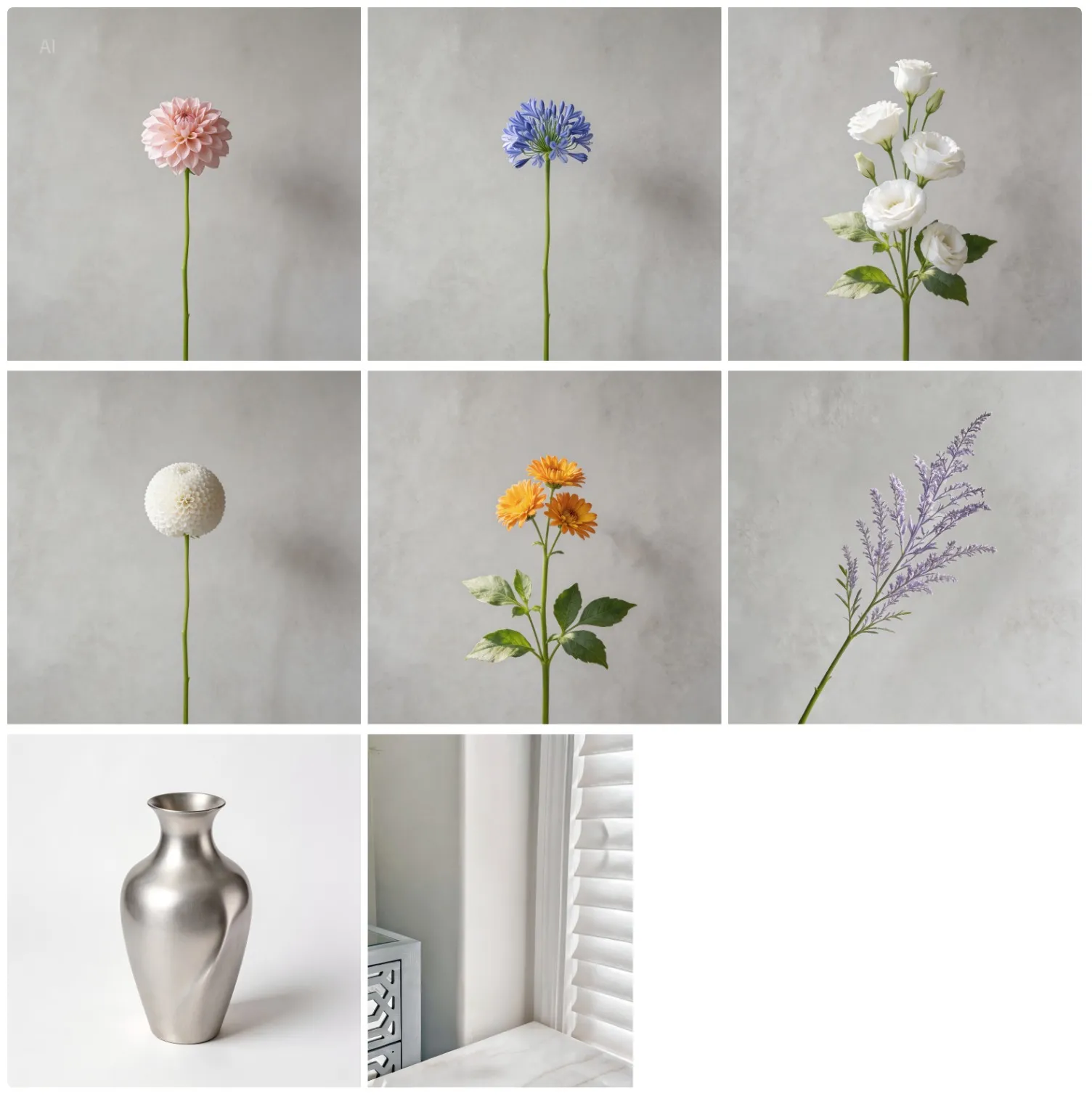
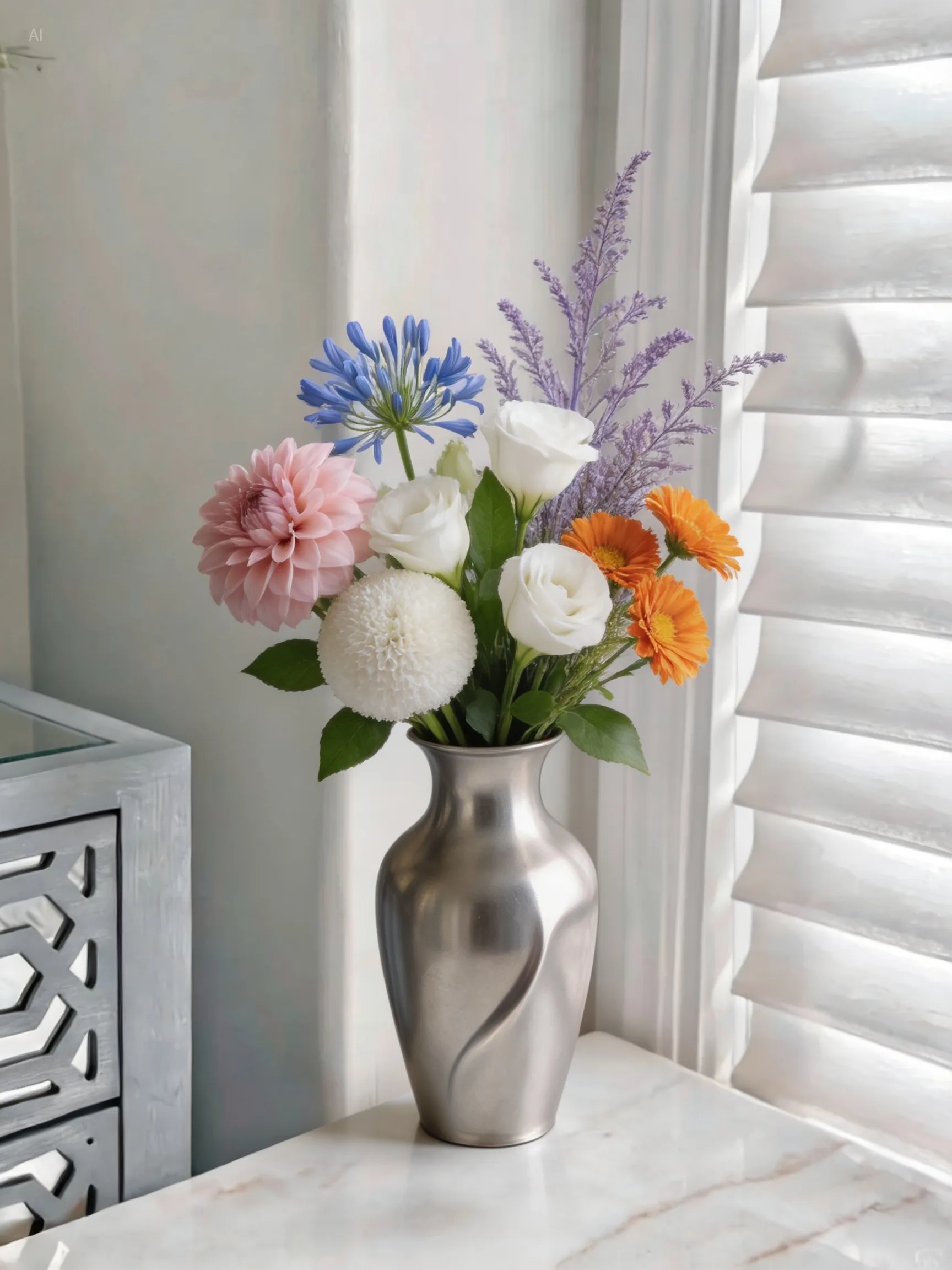
Image Set Generation
Generate a set of content-related images based on text and images input by the user.
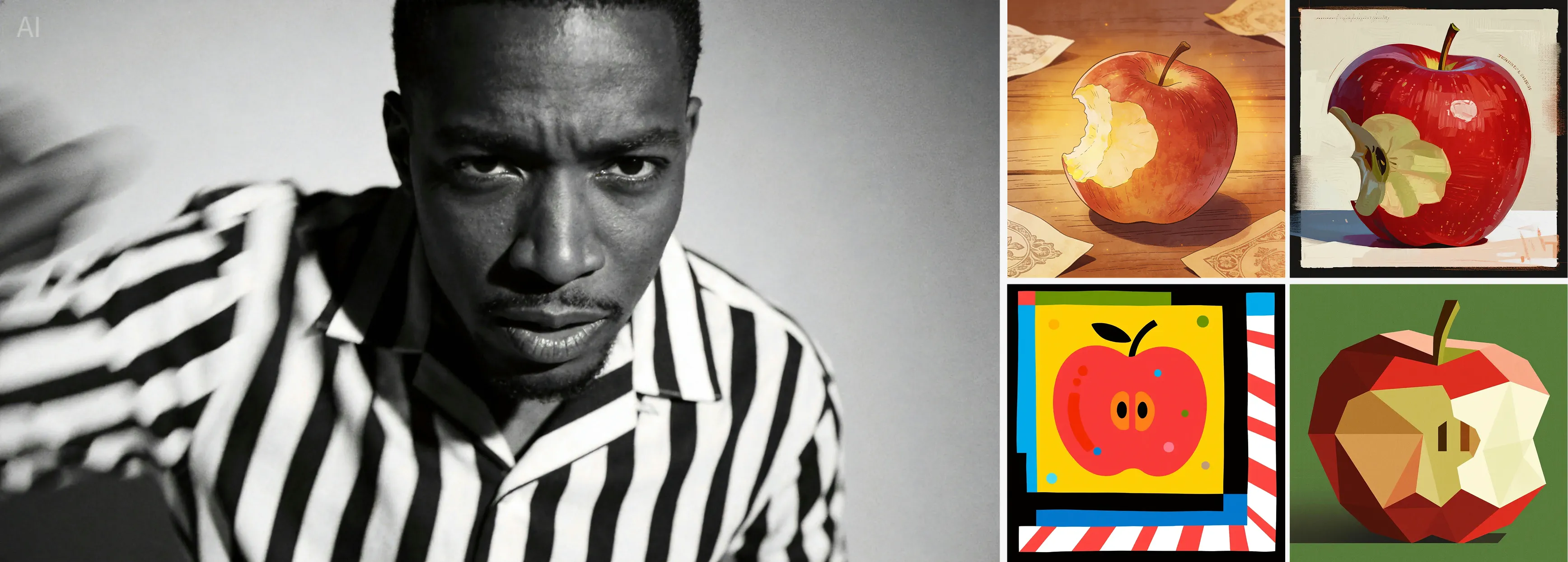
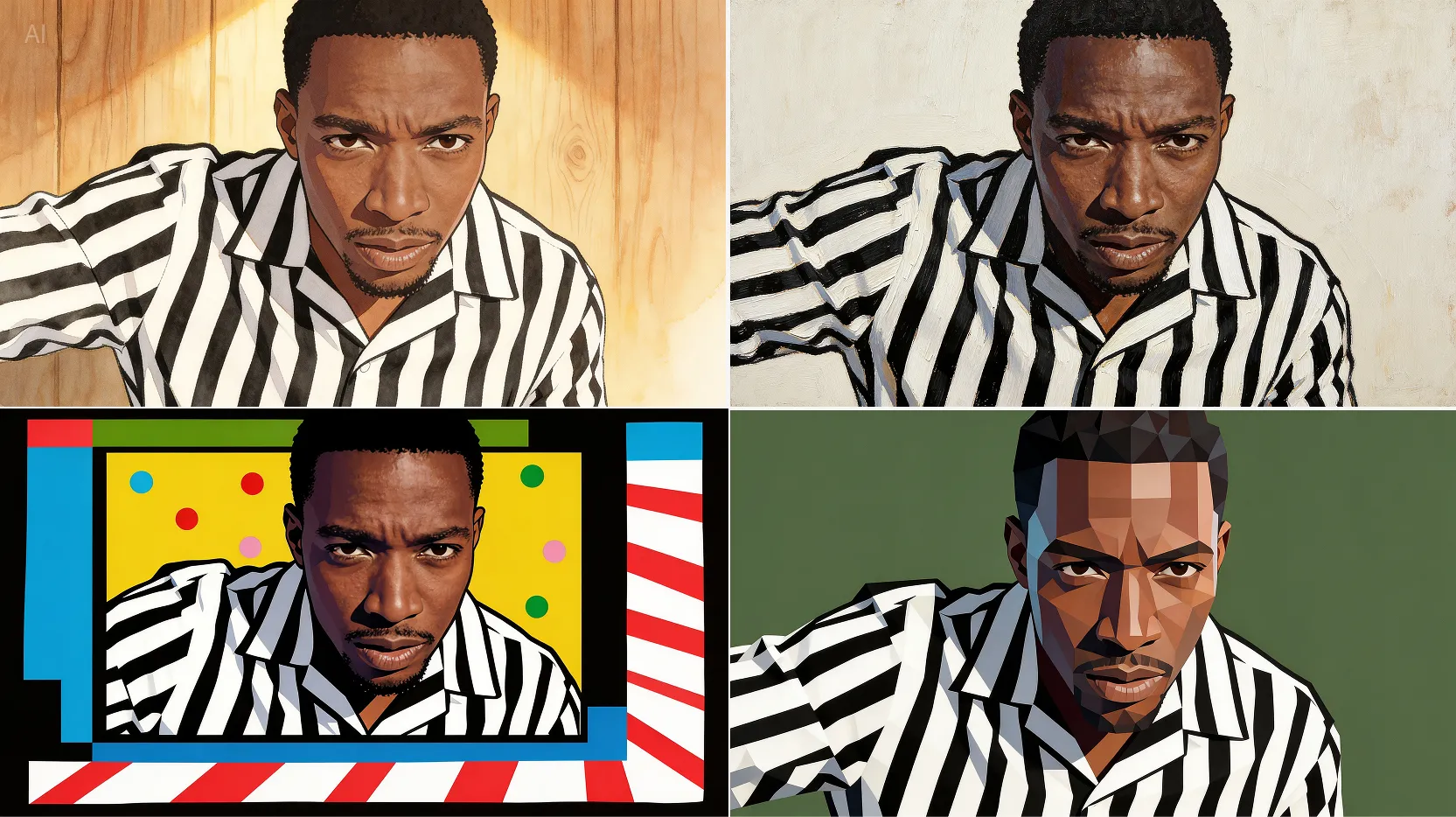
Refer to the four images on the right, apply style transfer to the man, and return four images corresponding to those styles.
Model Capabilities
| Function / Model Name | Doubao-Seedream-5.0-lite | Doubao-Seedream-4.5 | Doubao-Seedream-4.0 |
|---|---|---|---|
| Text-to-Image | ✅ | ✅ | ✅ |
| Text-to-Image Set | ✅ | ✅ | ✅ |
| Single / Multi-Image to Image | ✅ | ✅ | ✅ |
| Single / Multi-Image to Image Set | ✅ | ✅ | ✅ |
| Streaming Output | ✅ | ✅ | ✅ |
| Web Search | ✅ | ❌ | ❌ |
| Model Parameters - Resolution | 2K, 3K | 2K, 4K | 1K, 2K, 4K |
Basic Usage
Text-to-Image (Pure text input, single image output)
By providing the model with clear and accurate text instructions, you can quickly obtain high-quality single images that match the description.
Vintage film grain, liquid silver metal, silver color luster, irregular liquid shape distribution around the picture, silver metal texture butterfly, horizontal and vertical center alignment, creative art work, metal luminous texture, ghosting dispersion, pure black film grain noise background, minimalist style, movie poster, poster design, dispersion, fault effects, below text movie information description typography
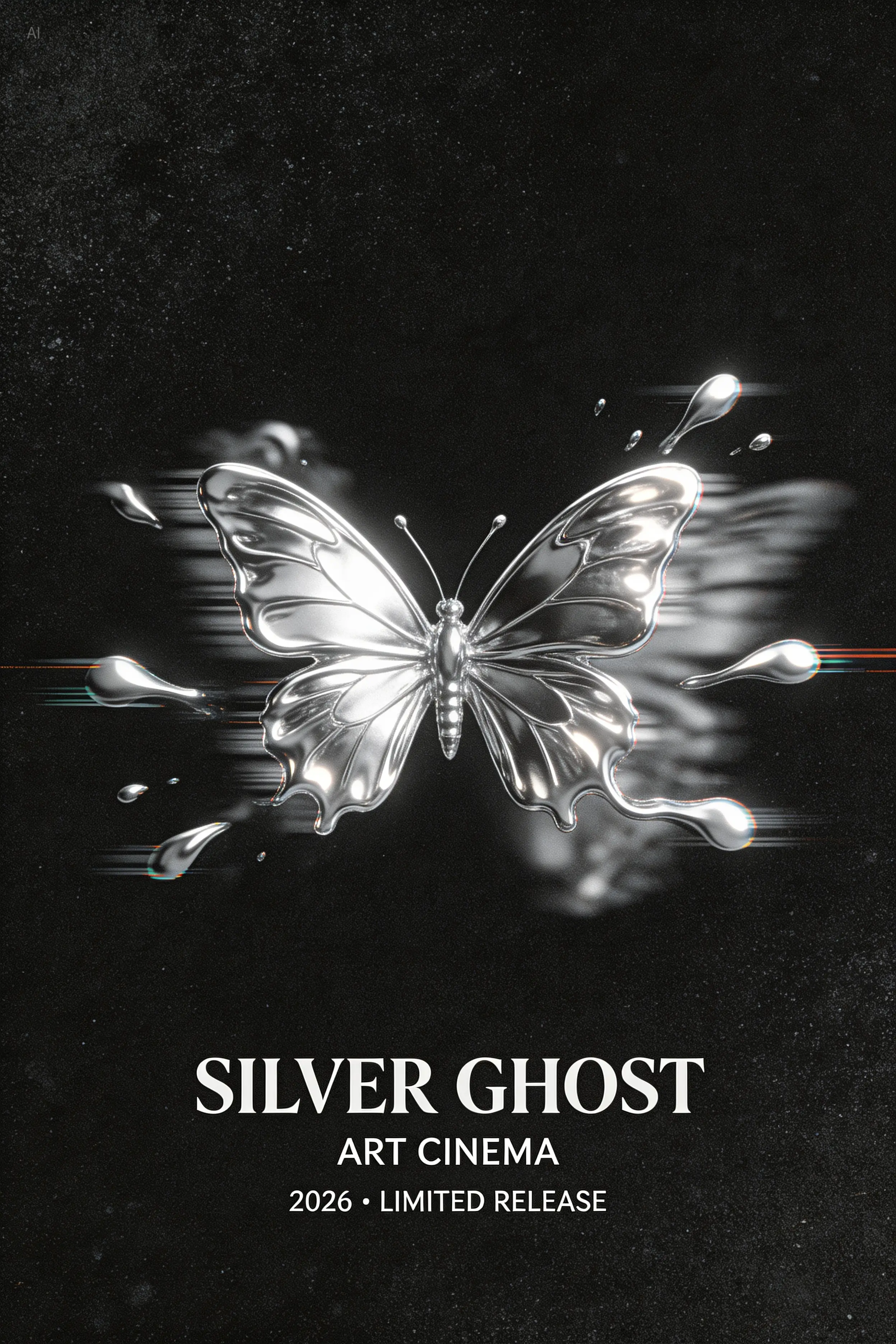
Image-Text-to-Image (Single image input, single image output)
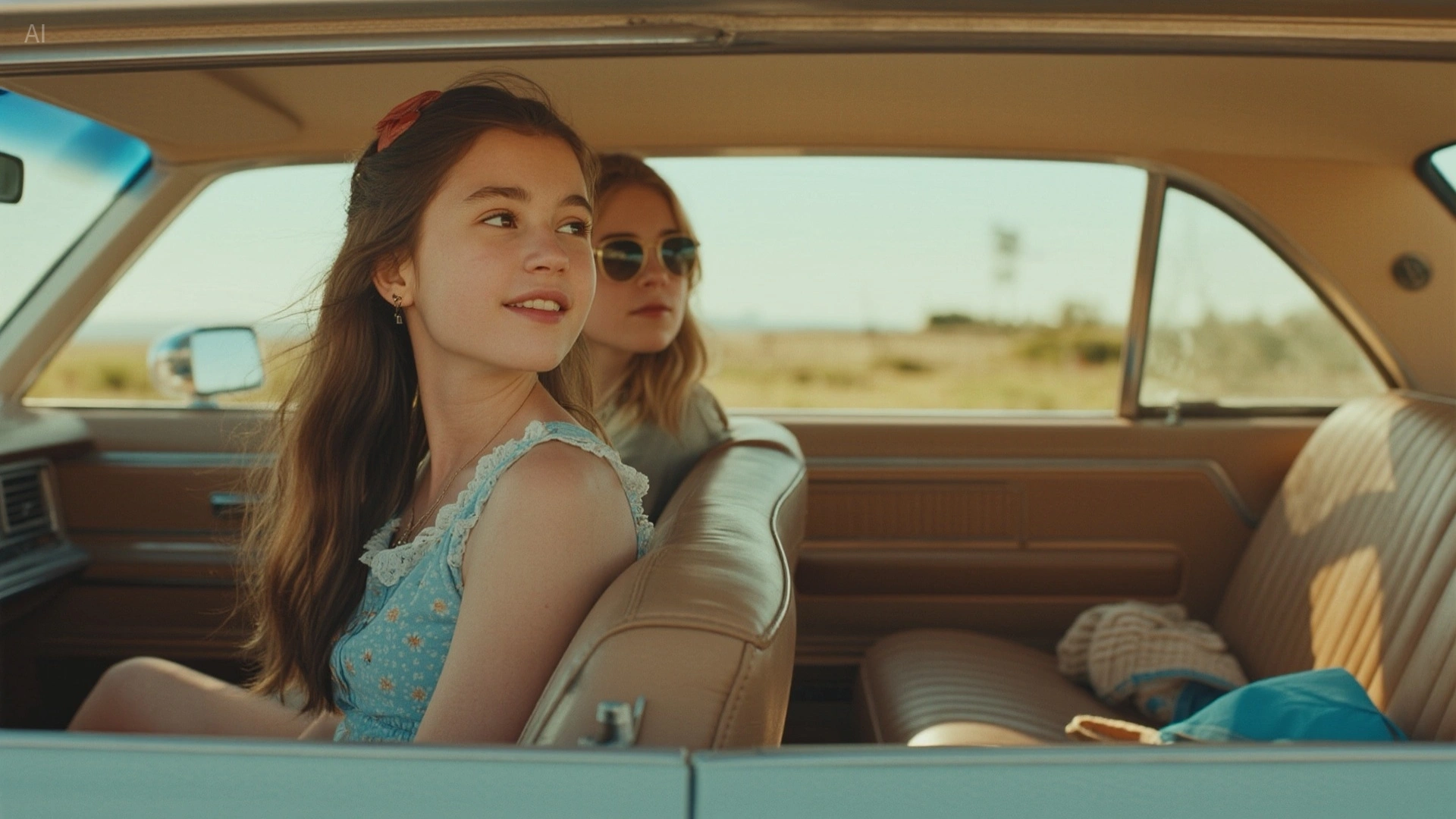
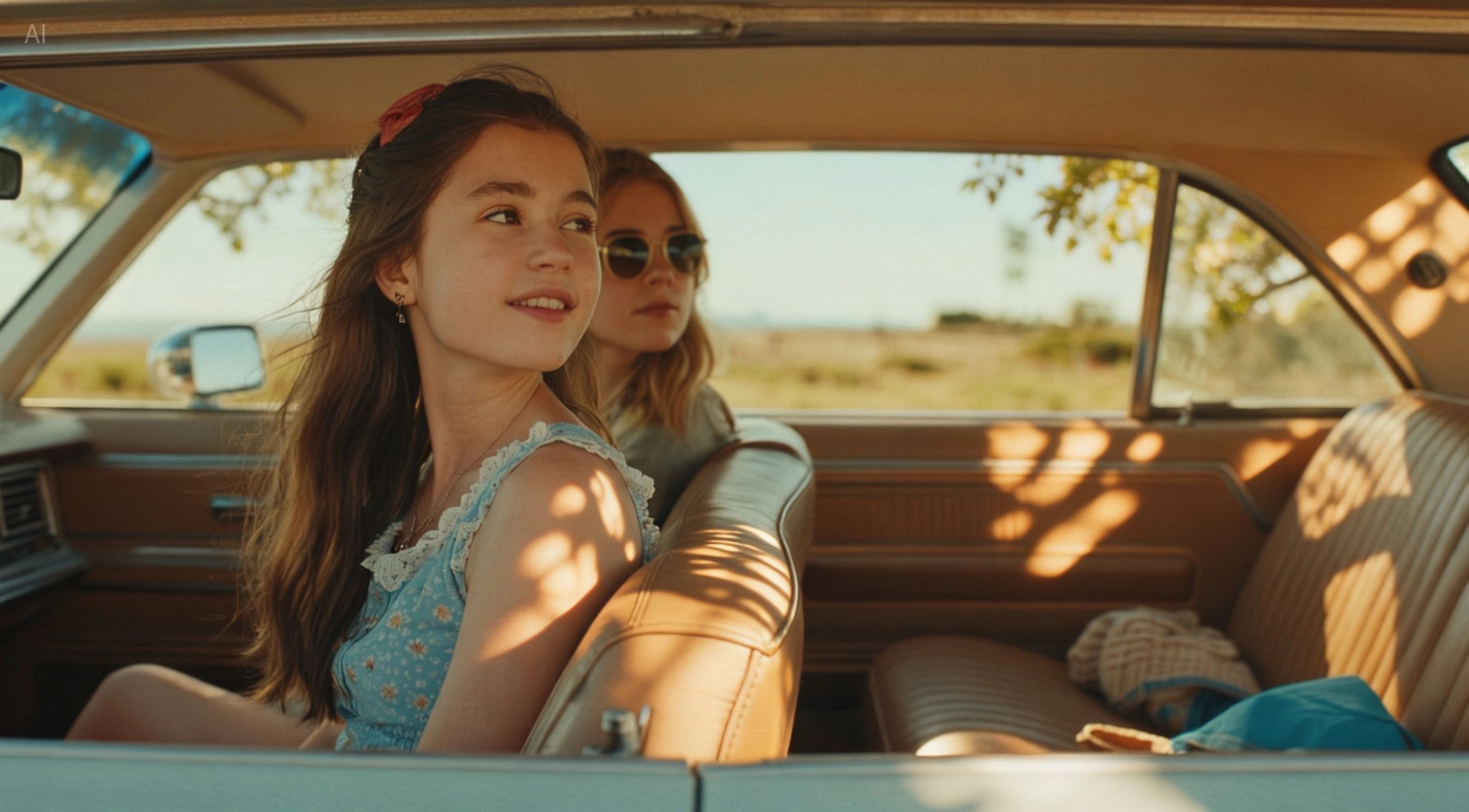
Edit images based on an existing picture combined with text instructions, including adding or removing image elements, style transformation, material replacement, color transfer, and changing background/perspective/dimensions.
Change the lighting effect to light spots
Multi-Image Fusion (Multi-image input, single image output)
Fuse the styles, elements, and characteristics of multiple reference images based on your text description to generate a new image. For example, fusing clothing, shoes, and hats with a model image to create an outfit shot, or fusing characters with scenery.
They are sitting and drinking coffee in the scene from Figure 1, two people per table, talking and laughing. The style is claymation, just like a café advertisement.
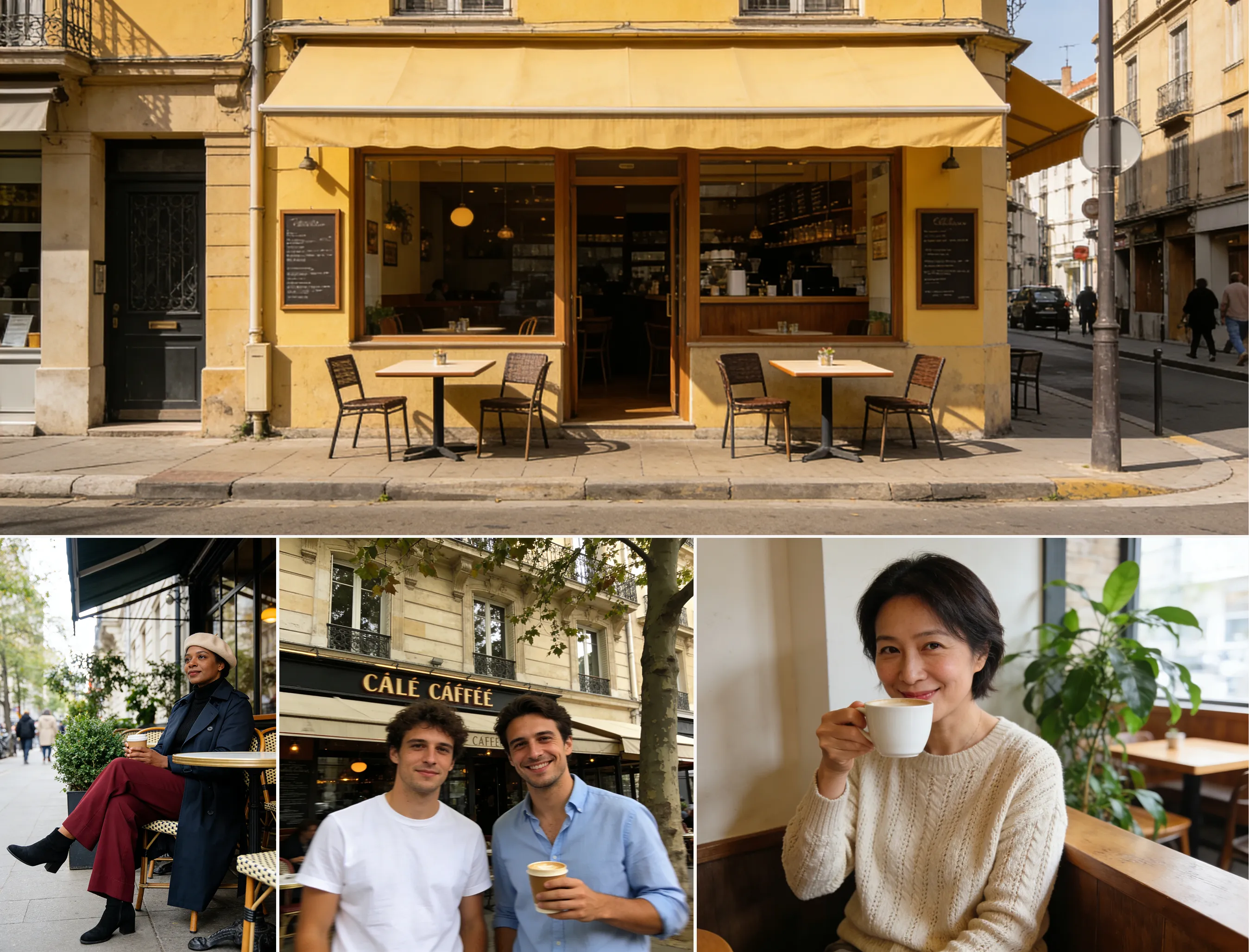
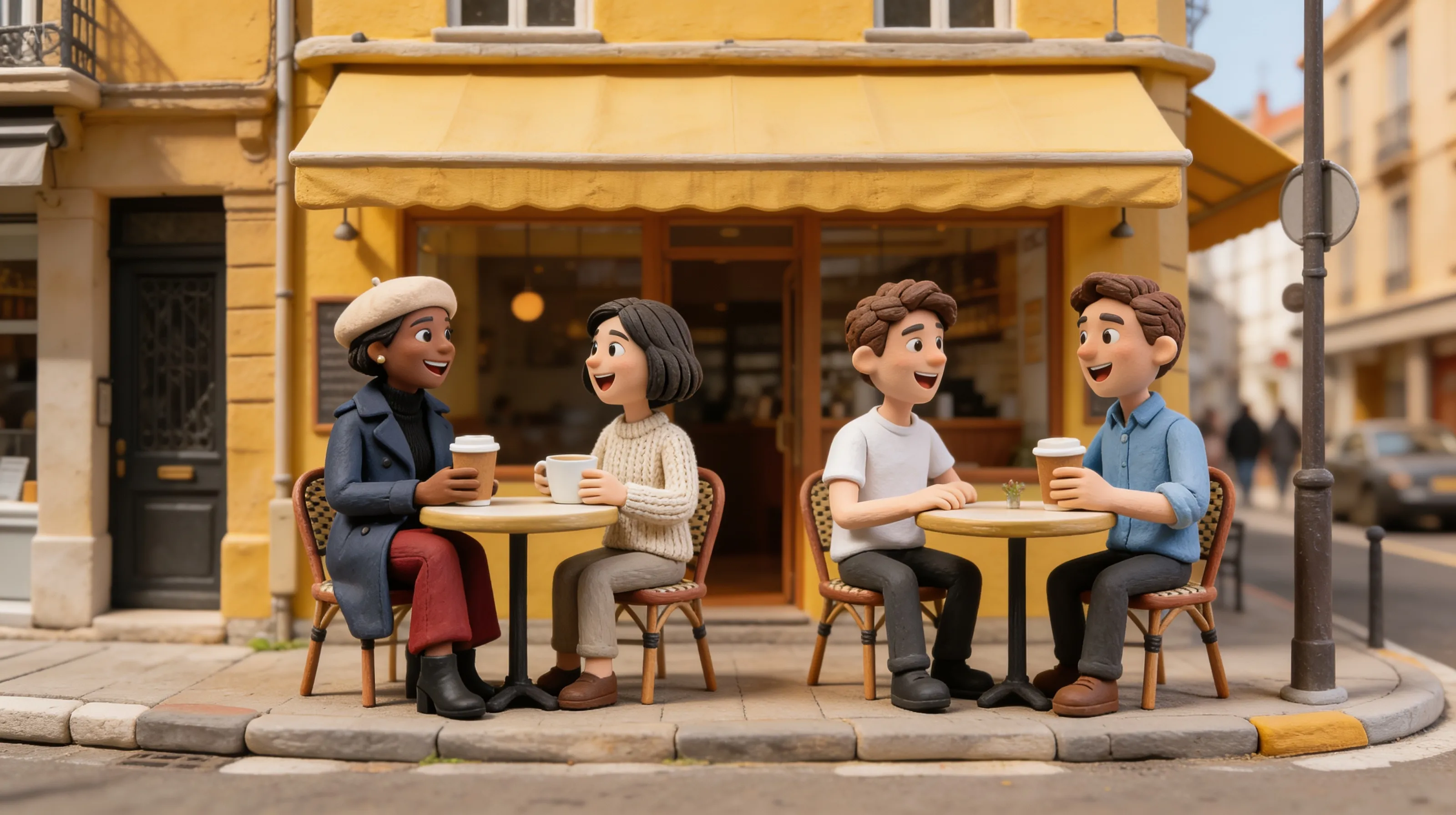
Image Set Output (Multiple image output)
Supports generating a set of content-related images, such as comic panels or brand visuals, using one or more images and text information.
Note: The "Batch Generation" option must be toggled on.
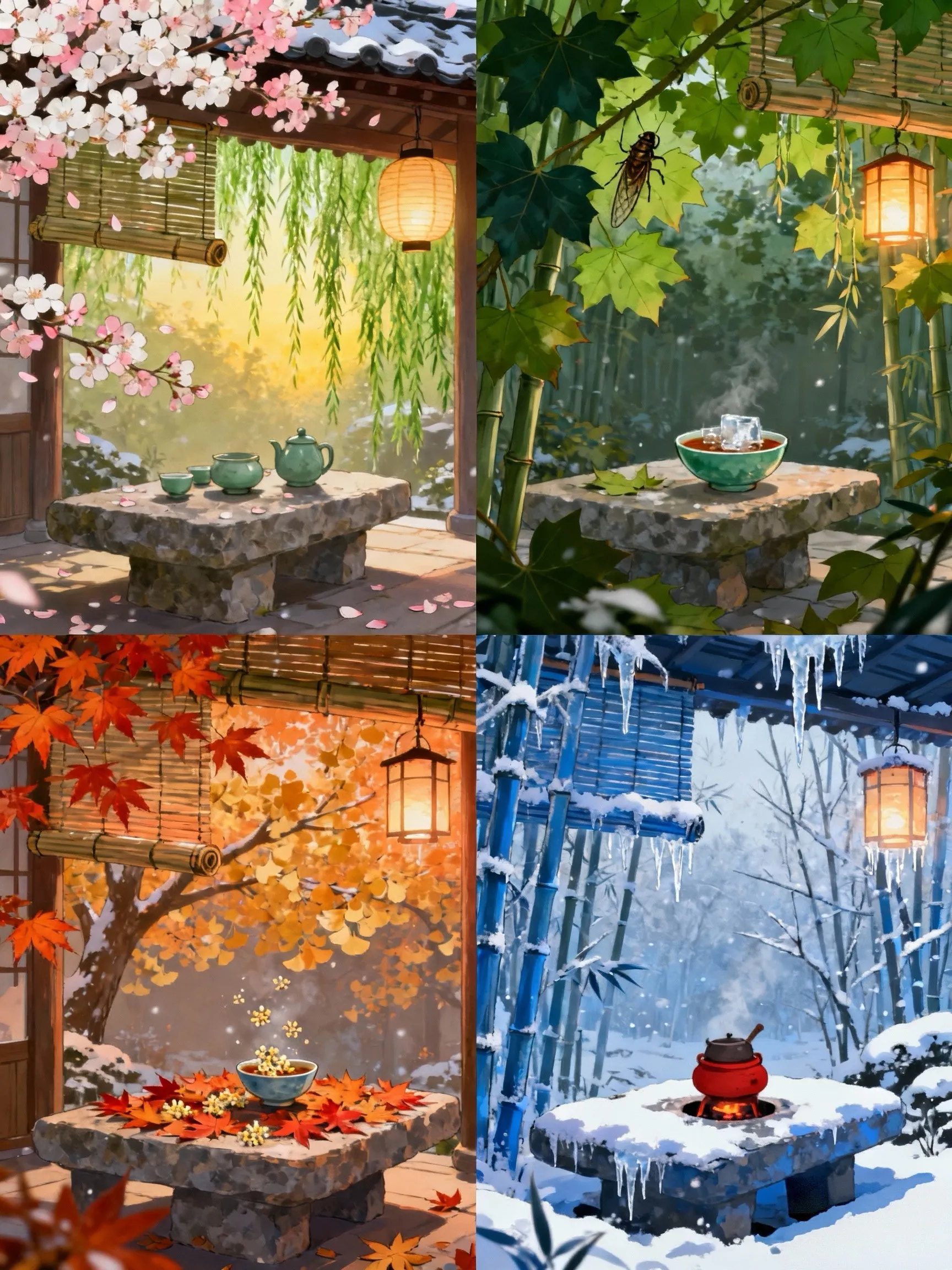
Create a set of four coherent illustrations, with the core being the seasonal changes of a corner of the same courtyard, presenting the unique colors, elements and atmospheres of each season in a unified style.
Single Image to Image Set
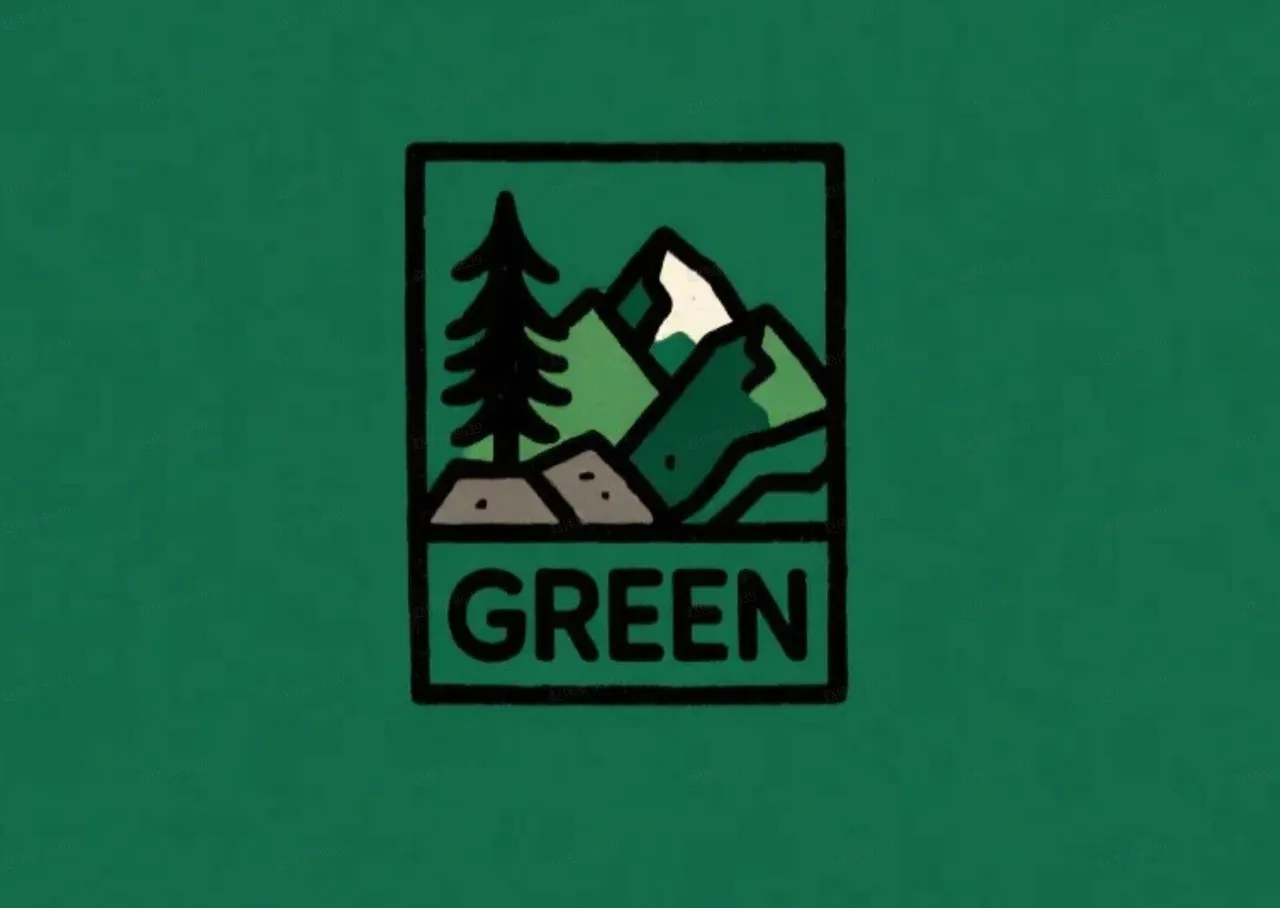
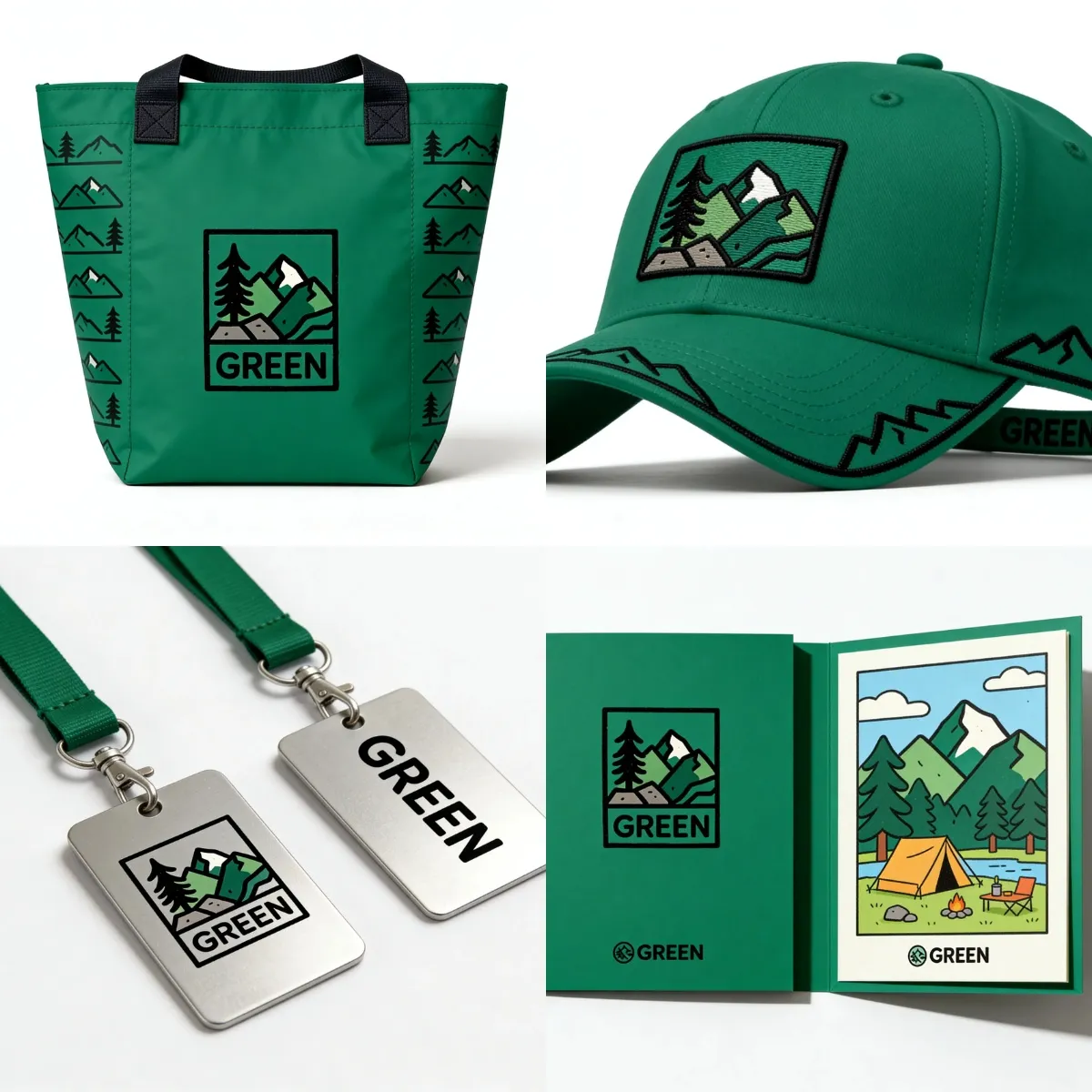
Based on this logo, create a set of visual designs for an outdoor sports brand named "GREEN", including packaging bags, hats, cards, lanyards, etc. The main color tone is green, with a fun, simple and modern style.